

STICKY PROJECTS
Created in December 2022
Project duration: 5 weeks
Softwares used: VS Code, Postman, DB Browser for SQLite, Figma, Google Docs
Team: Pauline Wahle, Tuva Persson
Front-end application: Vue.js
Back-end application: Express.js
Overview
Post-its have, for a long time, proven to be an excellent way to get a good grasp of any general concept. The platform Sticky Projects follows this concept through into a digital environment. In order to get a simplified and flexible view of future projects, a creator of deliverables can make a new note of an expected project, update it or scrap it and even move them around on the screen to create an order completely up to their own personal logic – just like Post-its on a wall.
Functionalities
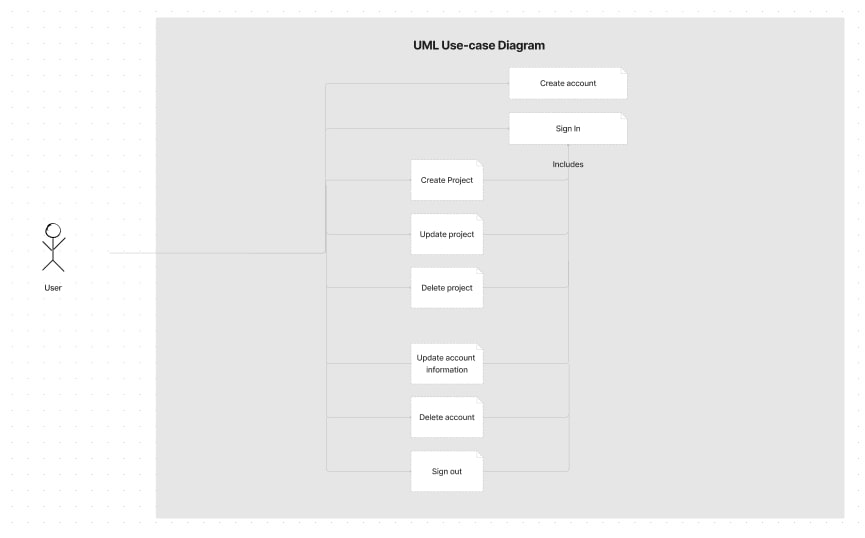
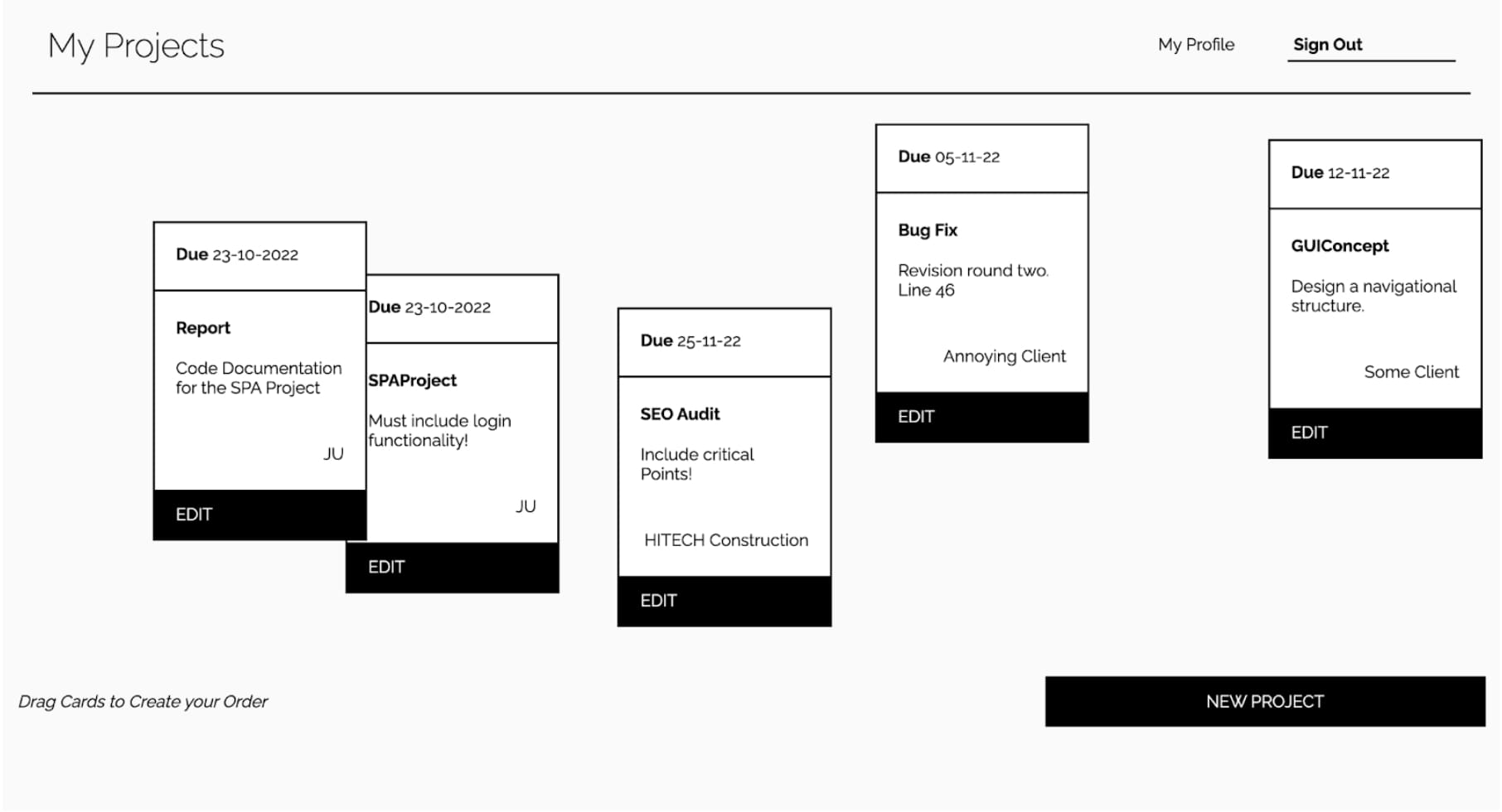
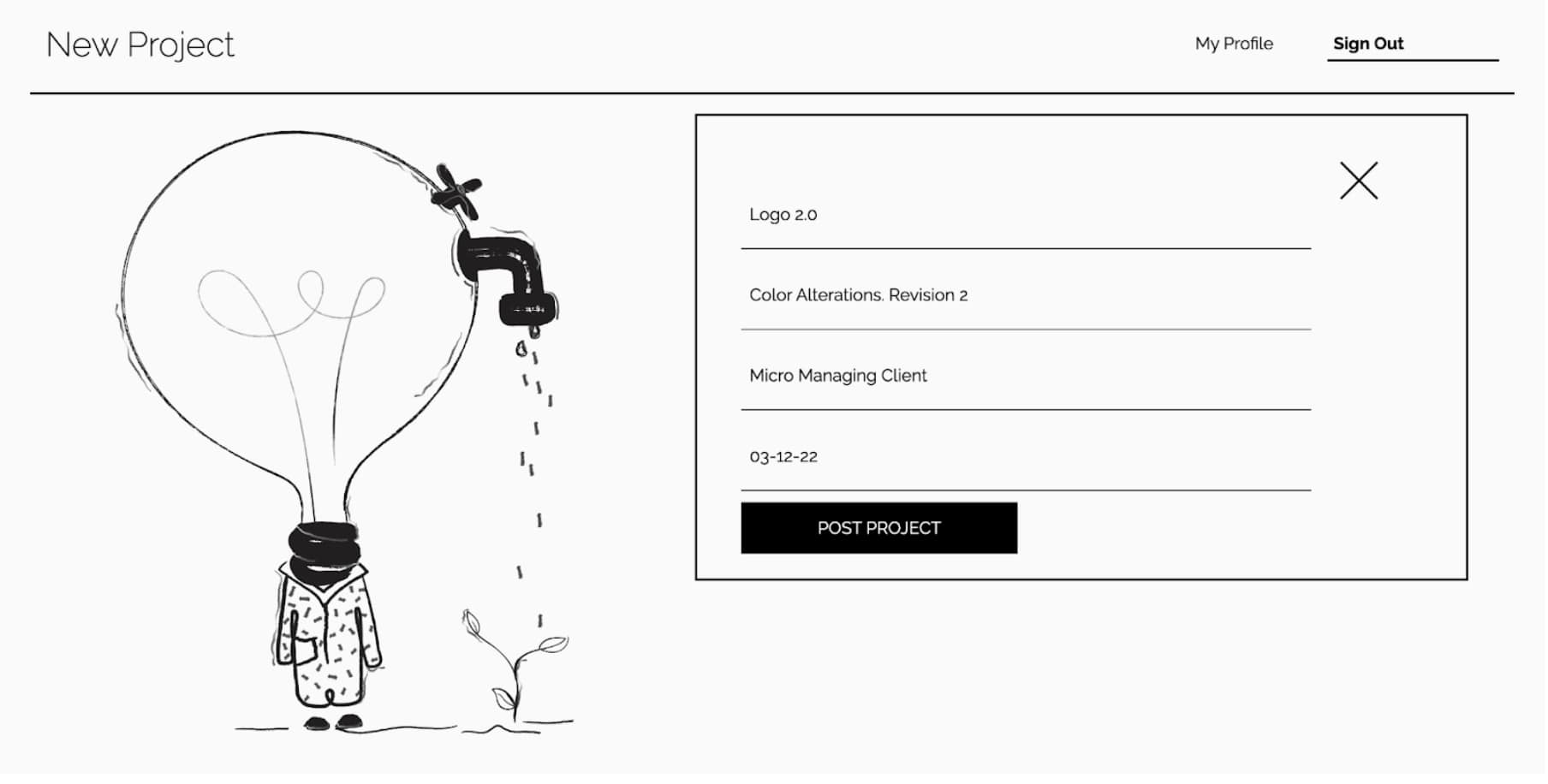
The platform will be used to organize projects. After creating an account, the user can create new projects and enter information about them, including title, description, client name, and when the project is expected to be finished. Projects made by the user will appear on the dashboard. On the dashboard, the user can select a project to view information about that specific project, update project details, or delete the project entirely. The user can also view information about their own account, which also allows them to make changes or delete it.
Below is a UML use-case diagram, illustrating the functionalities of the platform.
Authorization
In some situations, the user must be authorized to perform certain actions. Authorization was implemented using JSON Web Tokens (JWT), and is used when performing the following actions:
- View all own projects – Using the account id in the access token, all projects belonging to the account with that certain id are displayed. As the user is only allowed to see their own projects, they are automatically authorized to see one specific project, update projects and delete projects, which is why we don't check authorization again when the user wants to perform these actions.
- Create a new project – The user has to be signed in to perform this action, which is why authorization is needed.
- Get account user is signed in to – When clicking on the ‘profile’ button in the GUI, information about the account of the user that is signed in will be displayed, which also comes from information in the access token. Once the user sees this information, it is certain that they are signed in to the correct account and are therefore also allowed to perform actions such as update and/or delete account.
Architecture
The application consists of a single-page application (SPA), that the user interacts with, which communicates with a web application on a server using HTTP. The web application in turn, makes use of a database where resources are stored, which is communicated with using SQL.
Database
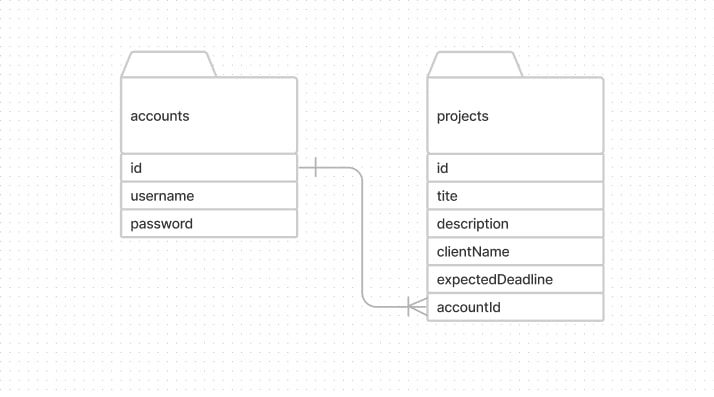
The database used to store the resources is an SQLite database, which contains two different types of resources stored in separate tables – accounts and projects. These two tables are connected using foreign key, where the id in the accounts table is connected to the accountId in the projects table. As one account can have many projects, but not the opposite, the relationship between the tables is a One-to-Many relationship.
Navigation Structure
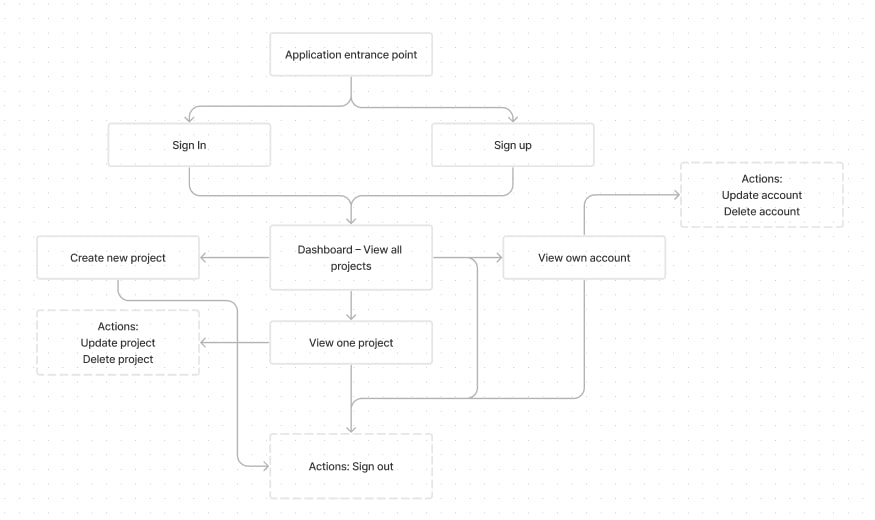
The following diagram illustrates how the user can navigate through the platform:
Final Graphical User Interface
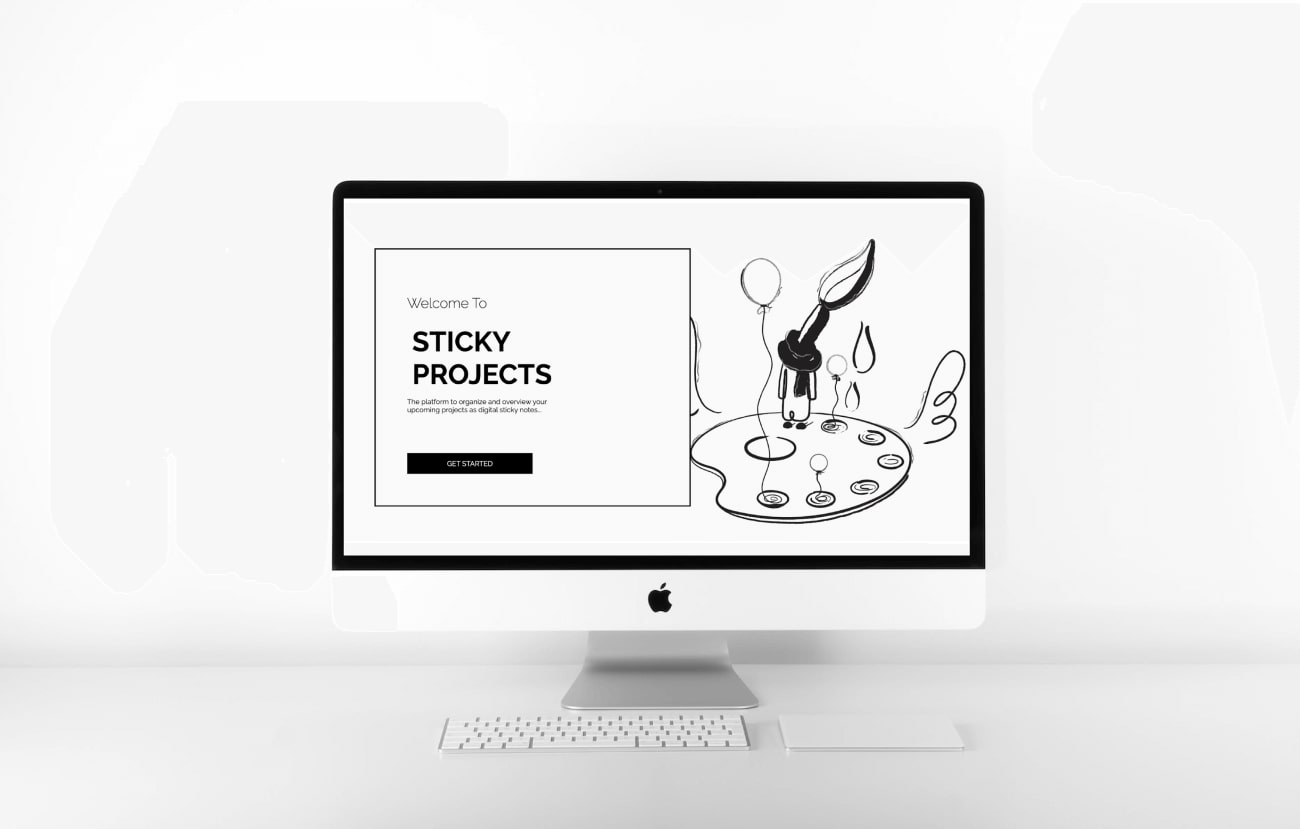
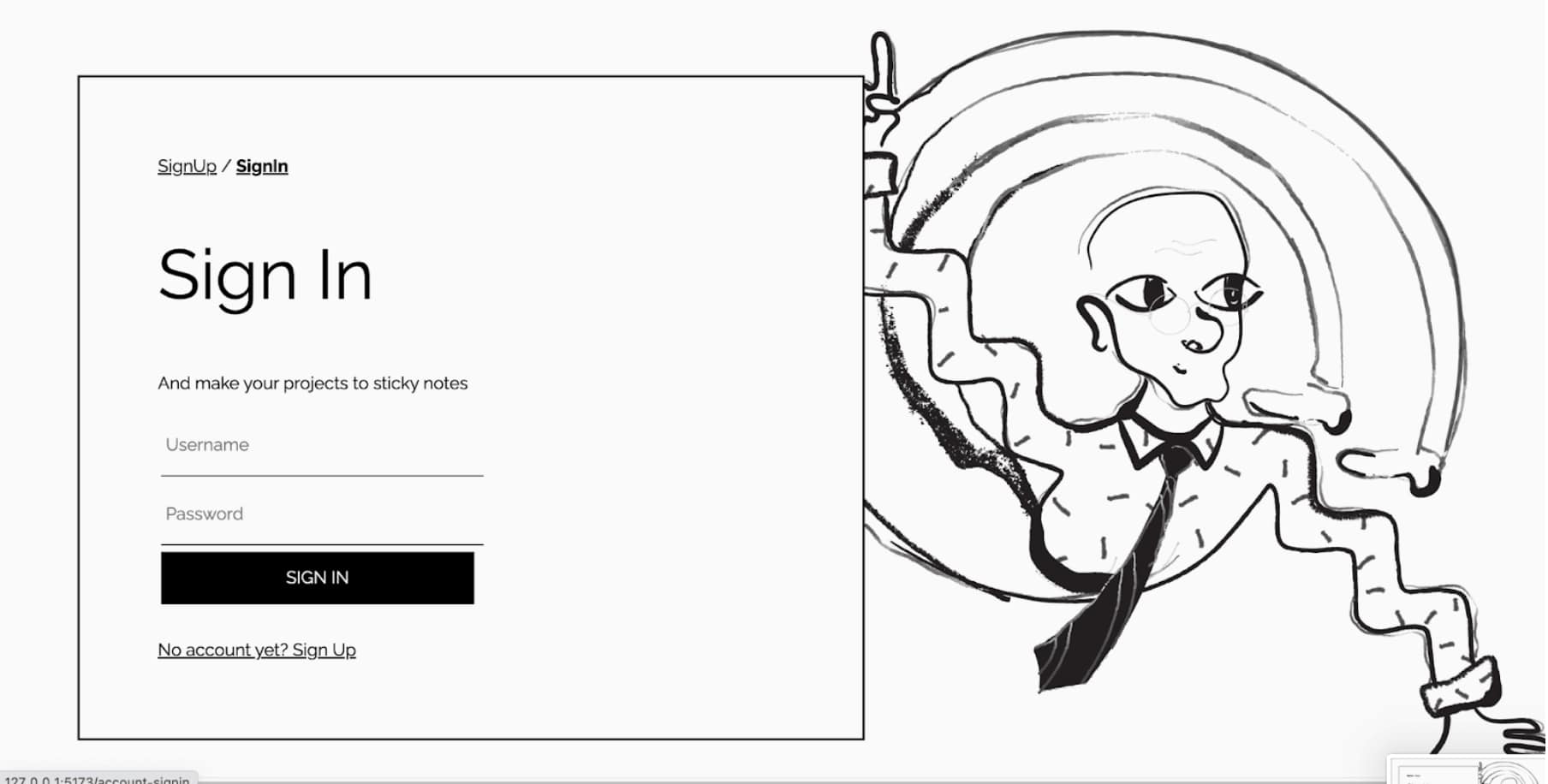
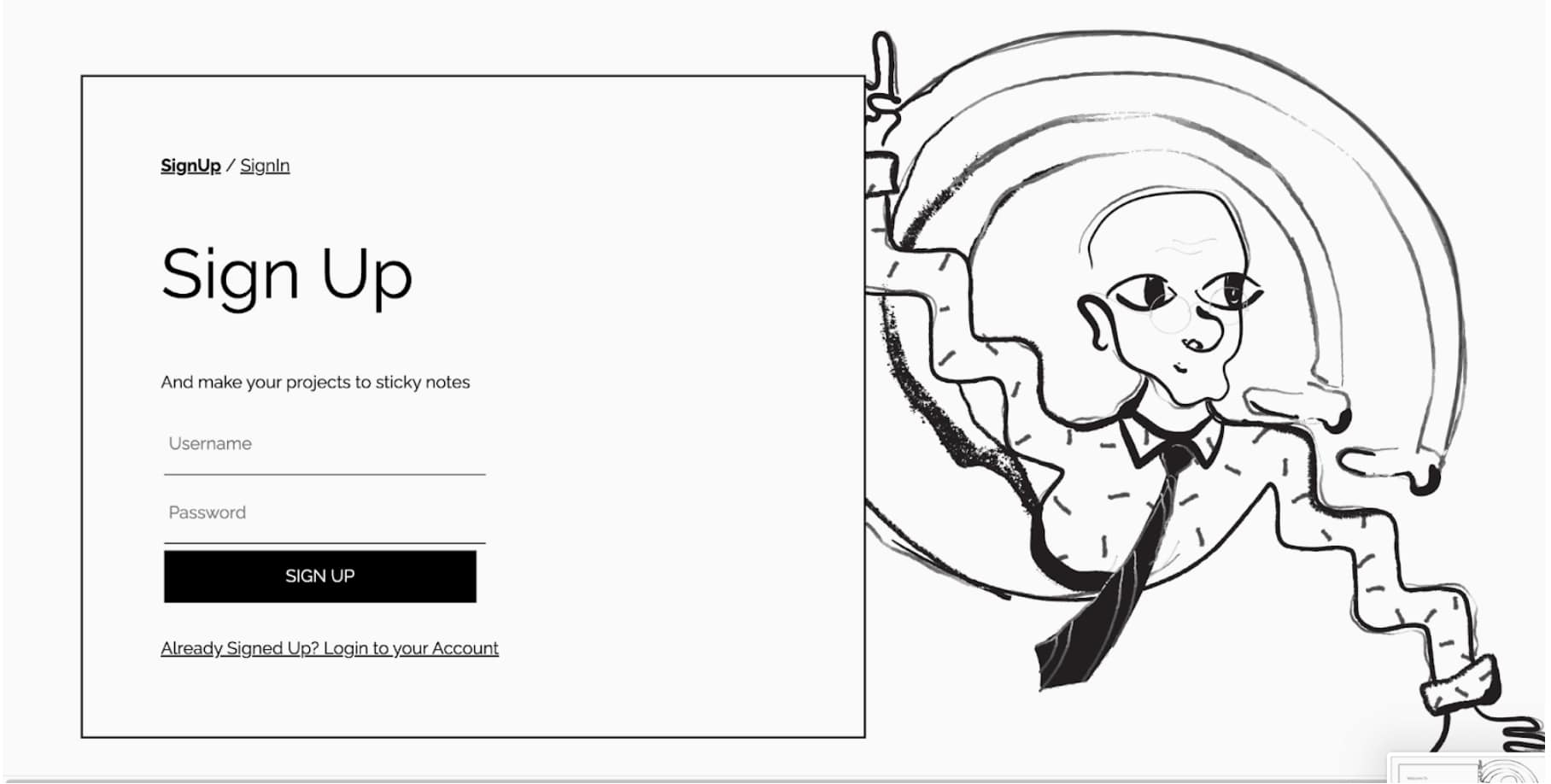
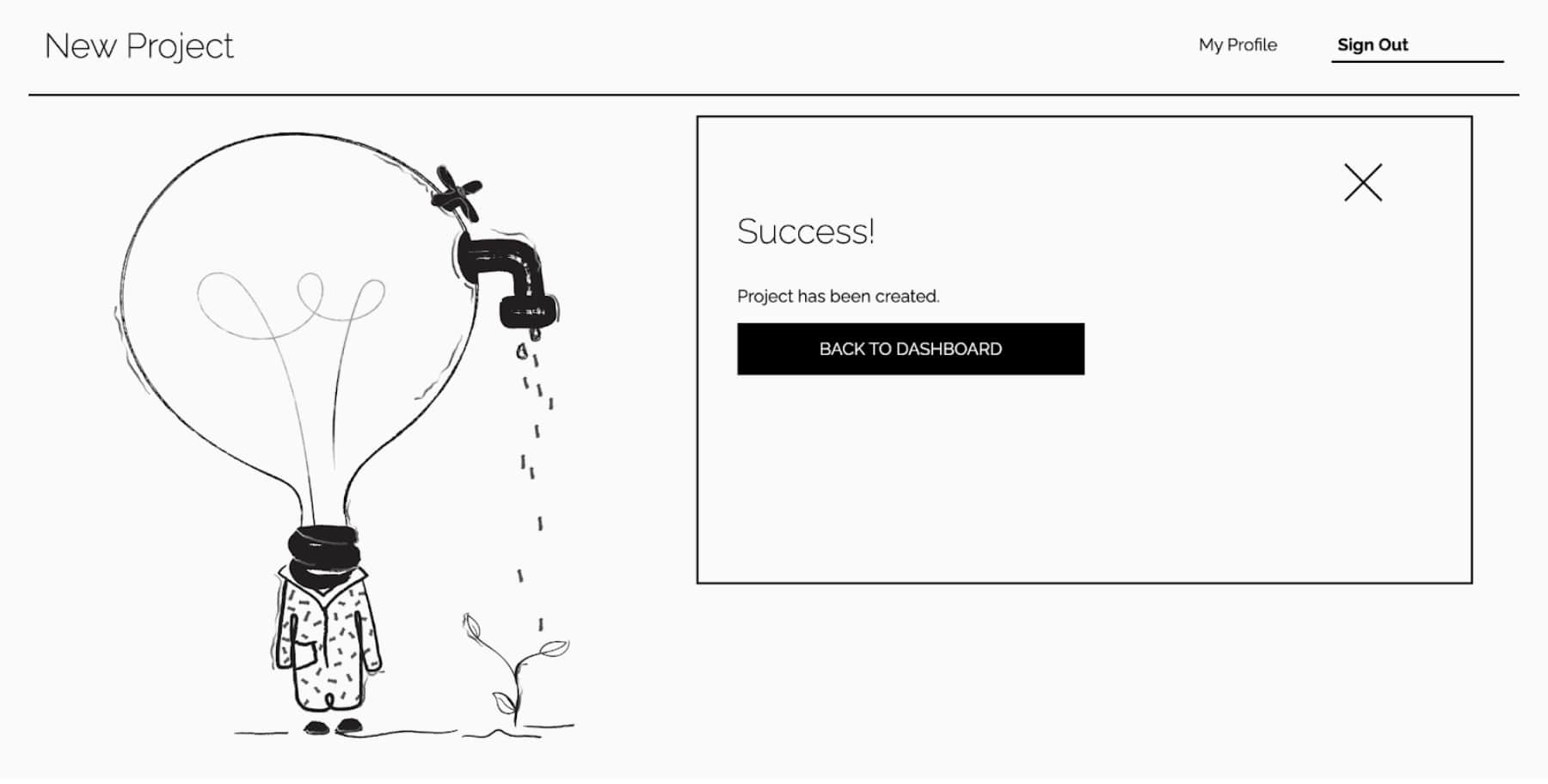
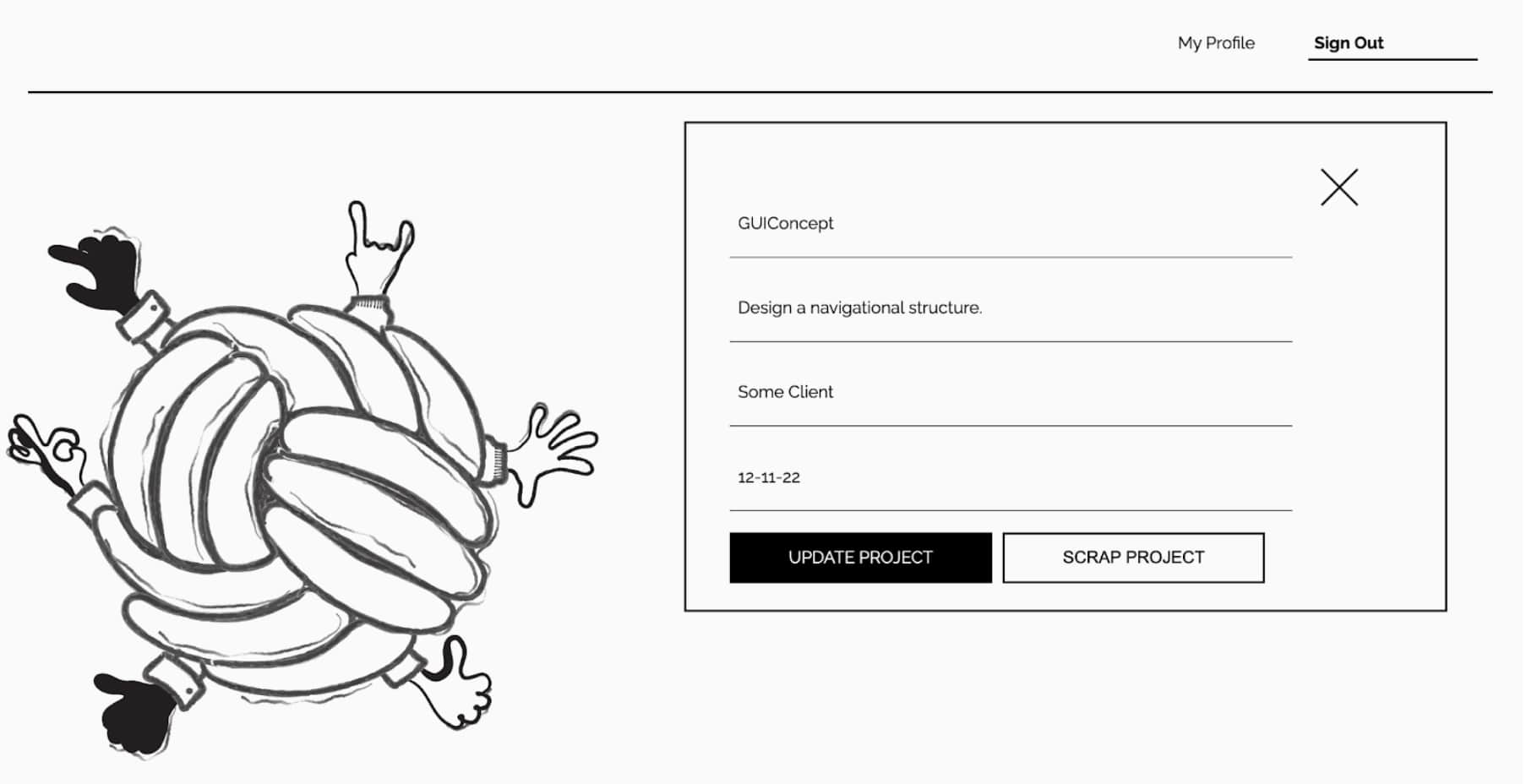
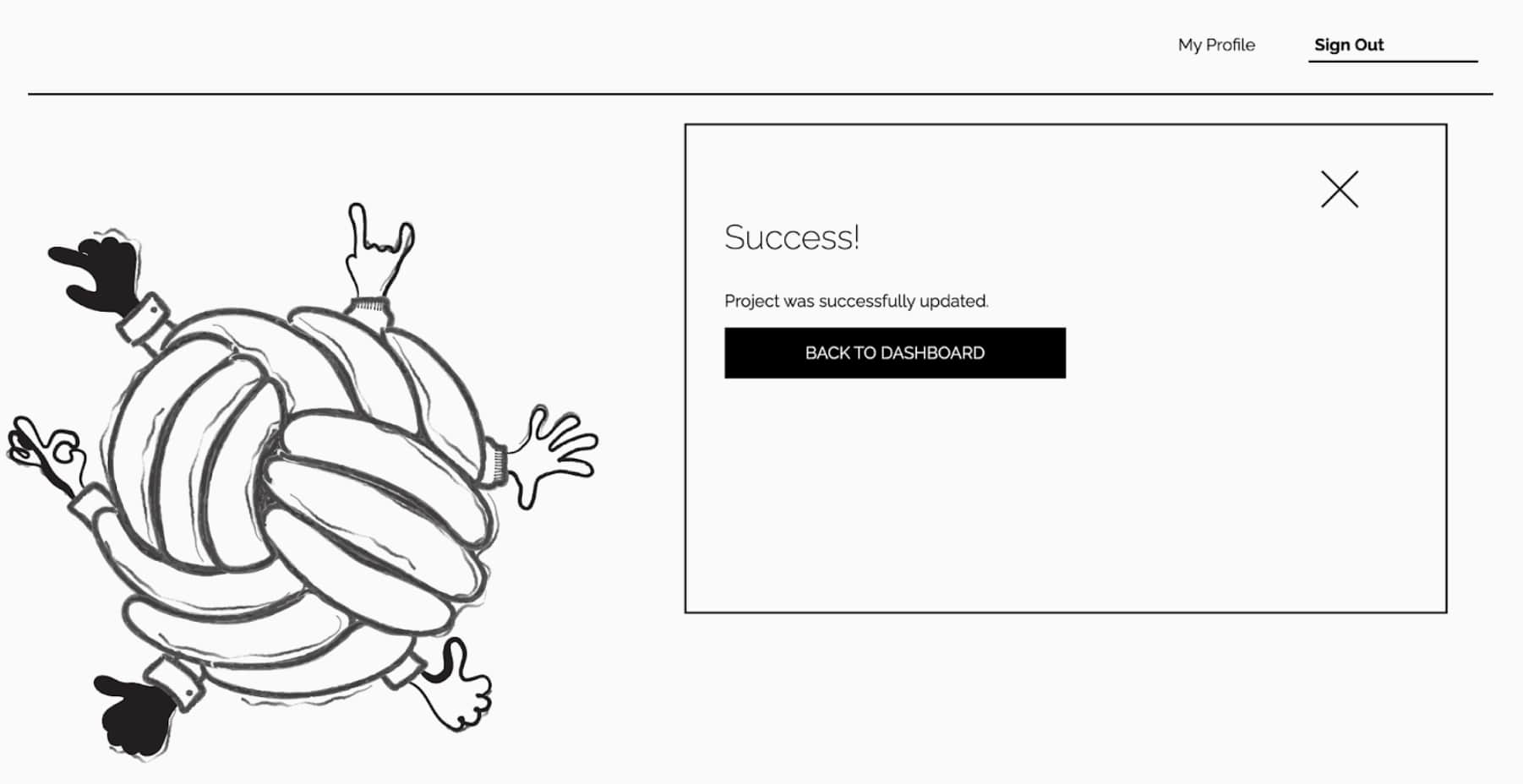
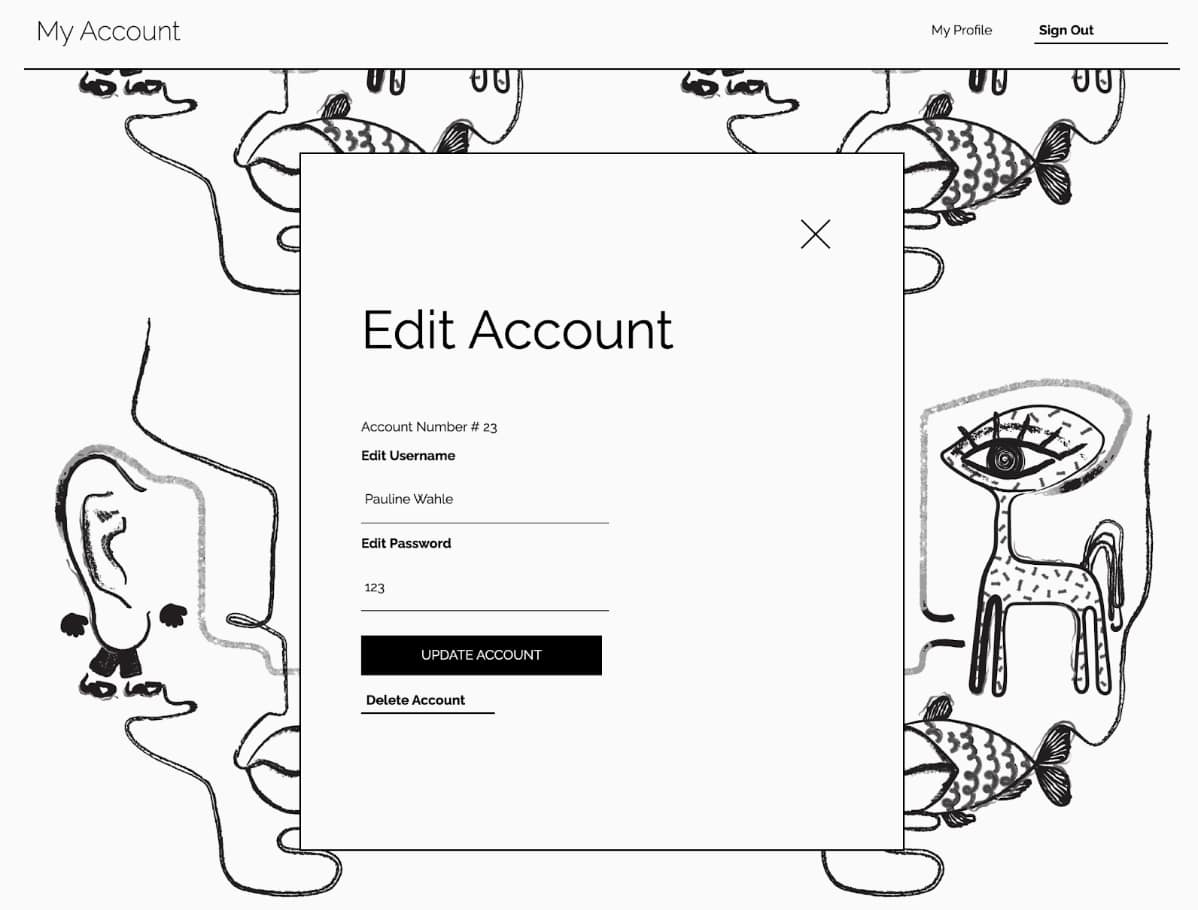
Below are screenshots of the final platform.
Code
View the project code in our github repository.
Thank You!